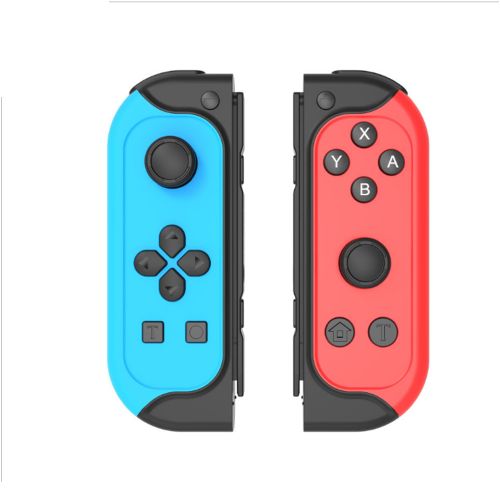
Fiche TechniqueIpega Switch Left And Right Bluetooth Handle Joycon Small Handle With Screenshots And Vibration Dual Turbo Burst
- When connecting and pairing for the first time, please follow the steps below:
- 1. Turn on the Switch host
- 2. Install the handle on the Switch host and use the slide rails on the side of the host to slide the handle from top to bottom until you hear a slight click
- 3. The handle starts to automatically register and pair. After the pairing is successful, it can be plugged in and used on the host, or it can be removed
- Connect and use via Bluetooth:
- After the controller is installed on the host, the pairing cannot be registered. Please refer to the following methods to check the pairing problem:
- 1. Make sure your host has been upgraded to the latest system
- 2.Press the pairing button to close the handle, reset the connection of the handle, and then plug the handle into the host
- 3. Insert the handle into the host, make sure that the direction of insertion is correct, it slides to the end, and a slight click sound is heard
- 4. Unplug the handle from the host, try to insert it again, and rule out that it cannot be paired because there is no good contact
- 5. If the handle cannot be awakened, please charge your handle before trying to pair
Le prix Ipega Switch Left And Right Bluetooth Handle Joycon Small Handle With Screenshots And Vibration Dual Turbo Burst au Maroc
voici le prix pour acheter Ipega Switch Left And Right Bluetooth Handle Joycon Small Handle With Screenshots And Vibration Dual Turbo Burst au Maroc: 490.00 Dhs