




Fiche Technique Rog Ally 2280 Modified SSD 2230 High Capacity M.2 NVME PCIE 4.0 Expansion Card Gold 90 Degree Upgrade Converter Card au Maroc
suckoo Brand for Rog Ally Portable Conversion 2230 to 2280 SSD High Capacity NVME M.2 PCIE 4.0 Adapter Gold 90 Degree Upgrade Converter Adapter Card – Blue
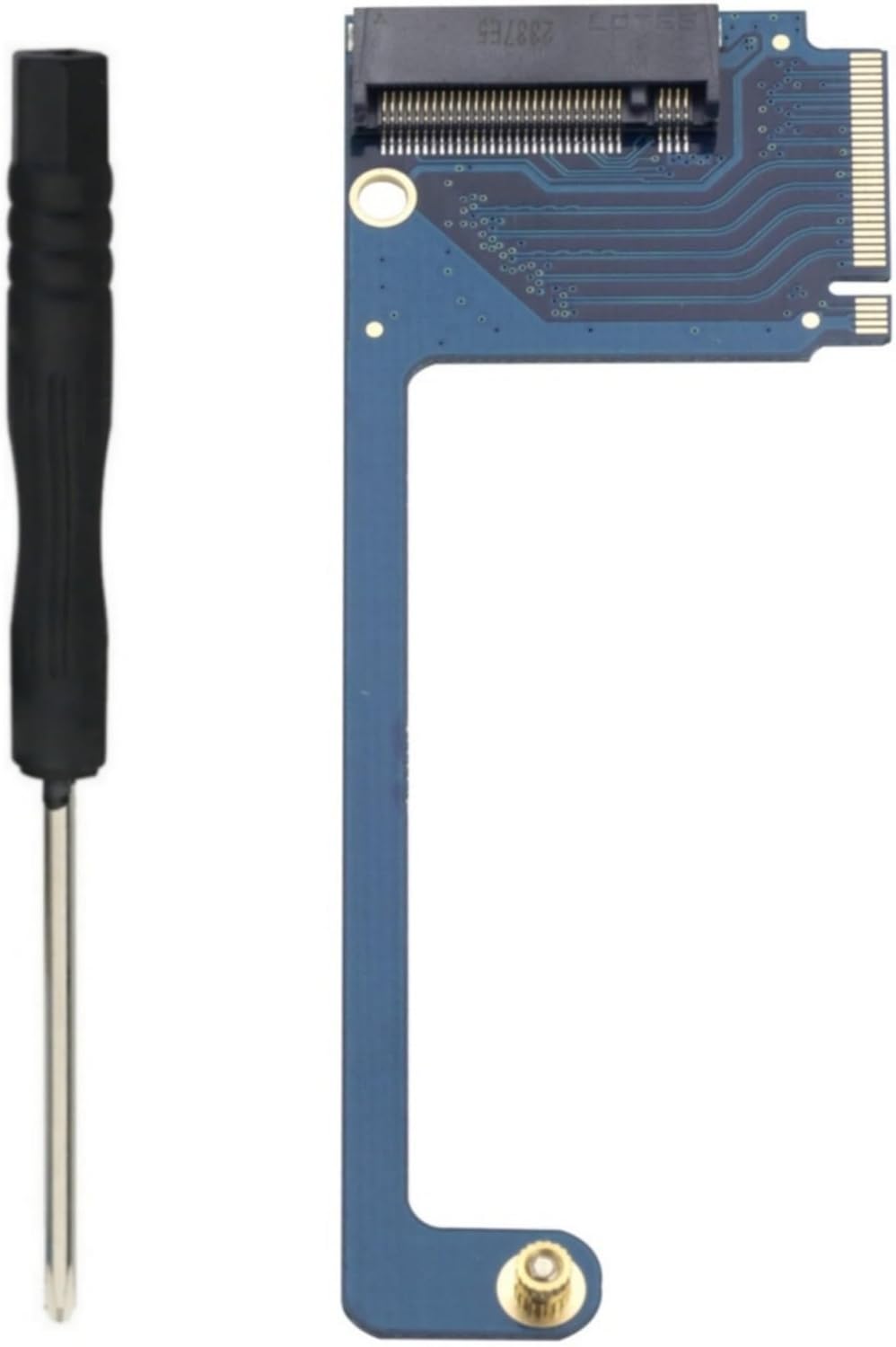
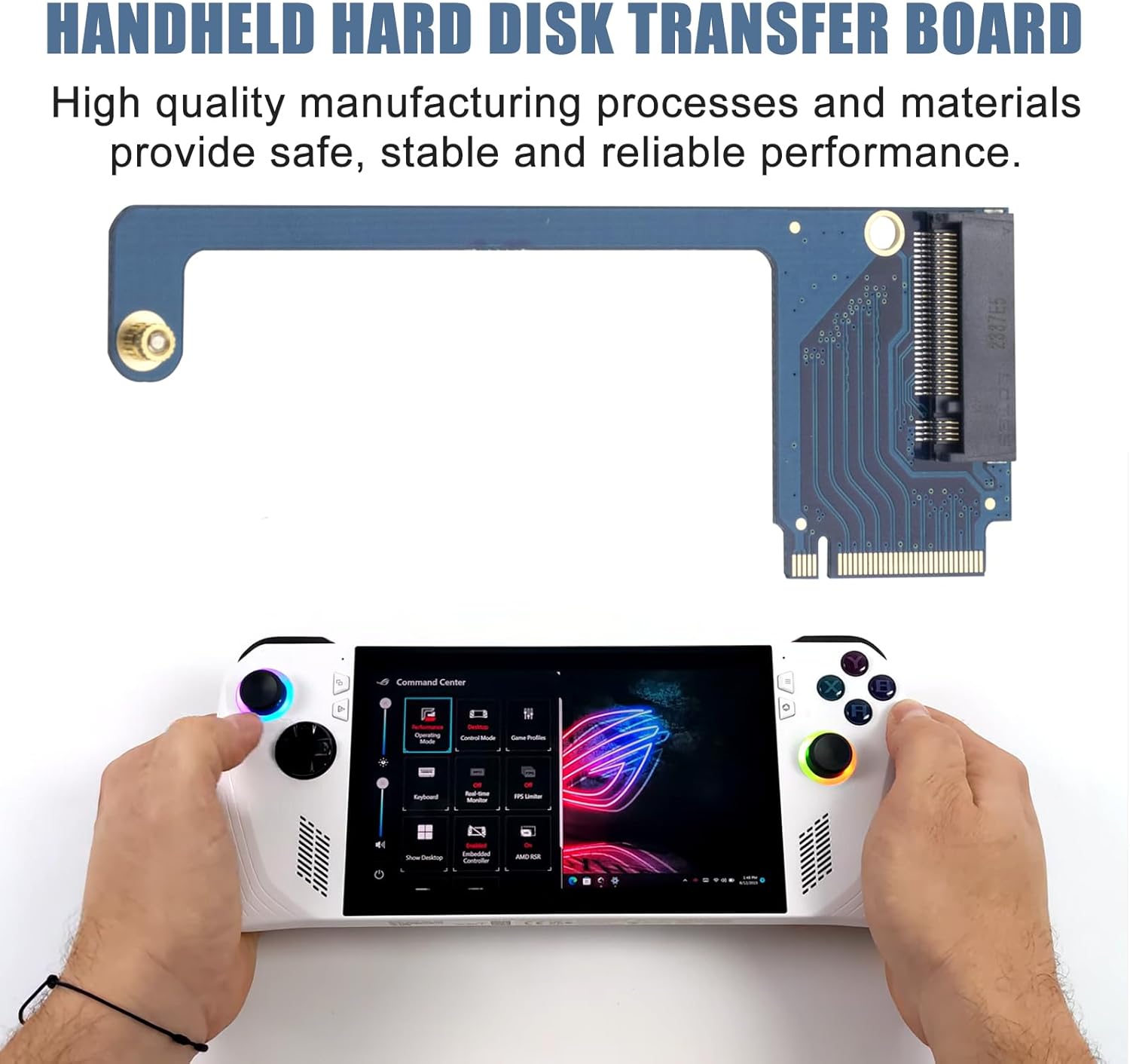
This is an expansion card for ROG ALLY Smart Pocket PC to upgrade the M.2 SSD size 2230 to a 2280 size M.2 PCIE 4.0 NVME SSD. This expansion card features a 90-degree blue color design that better fits the body of the ROG ALLY laptop, while providing higher transfer speeds and larger storage capacity to meet users’ needs for high-speed, high-capacity storage.
The expansion board is made of high-quality four-layer anti-blocking material and with gold dipped manufacturing process, which provides stable and reliable performance and better user experience. Color: Blue 90 degree, Product Size: 9 * 3.2 * 0.5cm / 3.54 * 1.3 * 0.2
It is worth noting that the use of this extension board requires certain technical and operational skills, and it is recommended to install and use it under the guidance of professionals.
1. First replace the SSD 2280 with the gold adapter card, ready to clone system operation. 2. Boot into the system, connect the hard drive, use the “system migration” function to clone the system disk from the original hard drive to the new hard drive.
This is an expansion card for ROG ALLY Smart Pocket PC to upgrade the M.2 SSD size 2230 to a 2280 size M.2 PCIE 4.0 NVME SSD. This expansion card features a 90-degree blue color design that better fits the body of the ROG ALLY laptop, while providing higher transfer speeds and larger storage capacity to meet users’ needs for high-speed, high-capacity storage.
The expansion board is made of high-quality four-layer anti-blocking material and with gold dipped manufacturing process, which provides stable and reliable performance and better user experience. Color: Blue 90 degree, Product Size: 9 * 3.2 * 0.5cm / 3.54 * 1.3 * 0.2
It is worth noting that the use of this extension board requires certain technical and operational skills, and it is recommended to install and use it under the guidance of professionals.
1. First replace the SSD 2280 with the gold adapter card, ready to clone system operation. 2. Boot into the system, connect the hard drive, use the “system migration” function to clone the system disk from the original hard drive to the new hard drive.
Avis sur Rog Ally 2280 Modified SSD 2230 High Capacity M.2 NVME PCIE 4.0 Expansion Card Gold 90 Degree Upgrade Converter Card
Les acheteurs qui ont testé Rog Ally 2280 Modified SSD 2230 High Capacity M.2 NVME PCIE 4.0 Expansion Card Gold 90 Degree Upgrade Converter Card ont donné la note /5
vous pouvez lire tous les avis via ce lien

Le Prix Rog Ally 2280 Modified SSD 2230 High Capacity M.2 NVME PCIE 4.0 Expansion Card Gold 90 Degree Upgrade Converter Card au Maroc
Voici le prix pour acheter Rog Ally 2280 Modified SSD 2230 High Capacity M.2 NVME PCIE 4.0 Expansion Card Gold 90 Degree Upgrade Converter Card au Maroc
Dhs


